Skin swapper · Windows PC
Fortnite Skin Swapper for PC
A skin swapper changes how your Fortnite character looks by replacing the cosmetics the game shows with ones you pick. This page explains what GetCheats.pro swaps, what it does not do, and how it fits into a normal Fortnite session on Windows.
What is a Fortnite skin swapper?
A Fortnite skin swapper is a Windows program that replaces the cosmetic items on your character. You choose an outfit, pickaxe, glider or back bling, and the swapper applies that look to your character. “Skin swapper” and “skin changer” are two names for the same kind of tool — GetCheats.pro works as both.
A swapper works with cosmetics only. It does not touch how the game plays, so your loadout looks different while everything else in the match stays the same.
What you can swap
GetCheats.pro covers the four main locker slots. A few examples from the live locker on the homepage, where you can combine them and see the result on a large preview:
Outfits
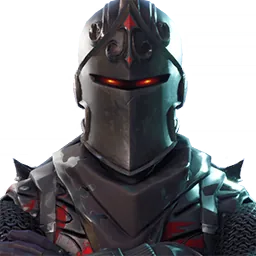 Black KnightLegendary
 MidasLegendary
 Son GokuLegendary
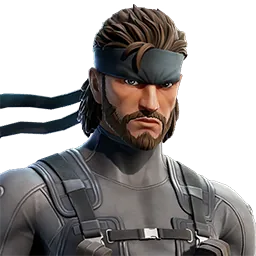 Solid SnakeGaming Legends Series
Pickaxes
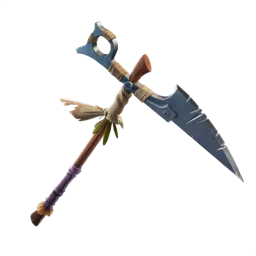 ReaperRare
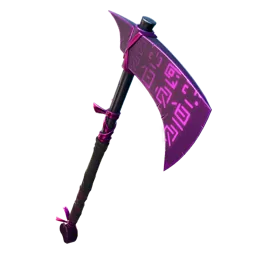 Dark Skully AxeDARK SERIES
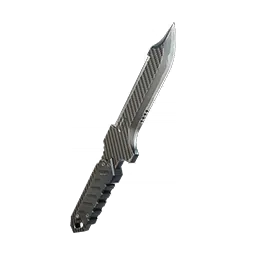 Stun KnifeGaming Legends Series
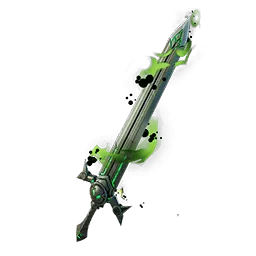 Doom's BladeMARVEL SERIES
Gliders
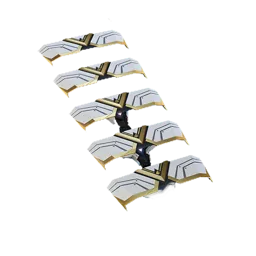 DescentLegendary
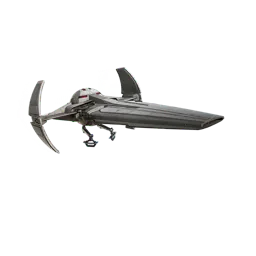 Sith InfiltratorStar Wars Series
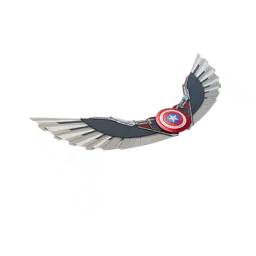 EXO-7 Falcon WingsMARVEL SERIES
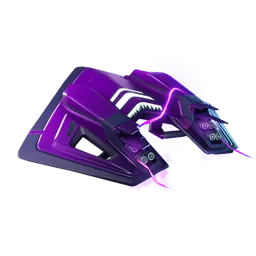 Dark ForerunnerEpic
Back Blings
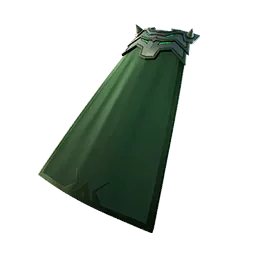 Doom's CapeMARVEL SERIES
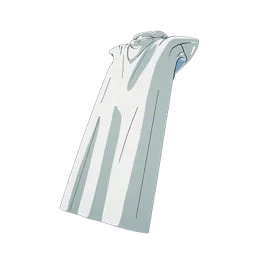 Gohan's CapeLegendary
 Raven WingsIcon Series
 Mythosaur SkullStar Wars Series
Skin swapper or locker changer?
Some players search for a “Fortnite locker changer”. It is the same idea seen from a different angle: instead of swapping one skin, you change the whole locker loadout at once — outfit, pickaxe, glider and back bling together.
In GetCheats.pro you build that loadout once and can save it as a preset. Switching between looks then takes a hotkey instead of a trip through the menus.
What a skin swapper does not do
- It does not add items to your account. Swapped cosmetics are not purchases and are not stored by Epic Games.
- It does not give V-Bucks or unlock Battle Pass tiers.
- It does not ask for your Epic Games login. If a “swapper” asks for your email or password, it is not GetCheats.pro.
- It does not run on consoles or phones. Only 64-bit Windows 10 and Windows 11 are supported.
How the swapper fits into a Fortnite session
- Close Fortnite and open the GetCheats.pro client.
- Choose an item for each slot, or pick a saved preset.
- Start Fortnite through the Epic Games Launcher and apply the look in the lobby.
The full walkthrough, including how to find your Fortnite folder, is in the step-by-step guide.
Get the skin swapper
The Windows client is on the download page, together with the system requirements and the current client status.
Skin swapper questions
Do swapped skins stay in my Epic Games account?
No. A swapper changes the look of your character in the game. It does not add items to your Epic Games account, and the swapped cosmetics do not appear in your locker on other devices.
Can I go back to my own cosmetics?
Yes. Choose different items in the client or stop applying the swap, and Fortnite shows your own locker again.
Does a skin swapper change gameplay?
No. Only cosmetics change. Weapons, damage, movement and building work exactly as they did before.